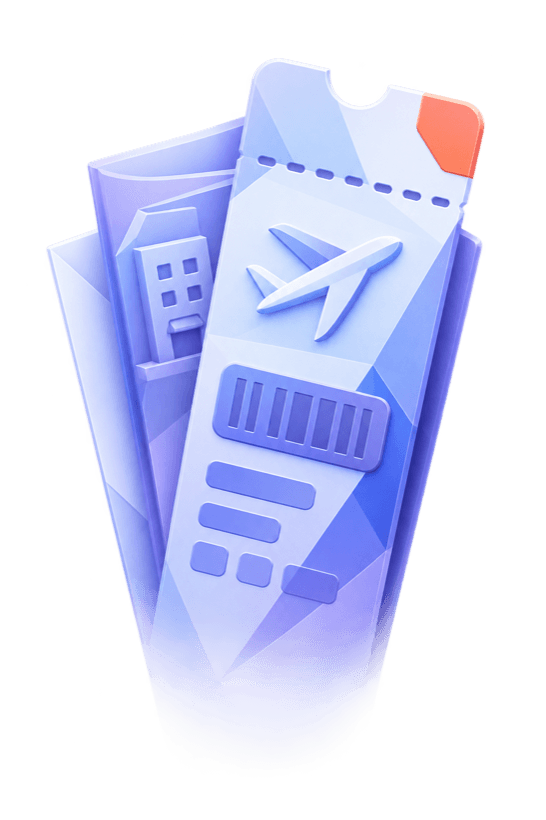
Every ticket in one place. Flights, stays, transport, activities, visas, insurance and receipts. Noma shows the file type, the size, the category and how far extraction has got. The original never leaves the vault.
Stop keeping a notes file for every trip.
Noma takes the tickets you already have and lays them out as the days you are actually going to live. Gate, seat, check-in time, confirmation code, all attached to the right morning.


Four steps, and two of them are you saying yes.
Noma does the reading. You keep the decisions.
Say what you know.
A month, a country, a rough number of days. Noma asks for the rest instead of showing you an empty form.
Argue with the plan.
Noma proposes cities and a pace. Cut a stop, add a night, change the order, and it redraws.
Drop in the bookings.
Flights, hotels, trains, cars, restaurants and tickets. PDFs or photos, from Files or the share sheet.
Review what is uncertain.
Dated bookings join the timeline. Low-confidence fields stay marked until you check or edit them against the source.
A planner that answers in days, not links.
Most planning tools hand you a list of results. Noma hands you an itinerary you can edit, then keeps talking while you edit it.
- It asks before it guesses. Missing dates, unclear pace, unknown budget. Noma asks rather than inventing an answer.
- One tap to commit. When the shape is right, the proposal becomes real itinerary days.
- It stays with the trip. Ask Noma anything later and it already knows the flights, the hotels and the gaps.
A trip list you want to look at. Cover art painted in Noma's own style, a countdown on the next trip, and past trips filed away where they feed the passport.
The countdown belongs on the Home Screen.
Pick a trip and Noma puts a Solari flip board on your Home Screen. The countdown reads straight from that trip and updates as its start date gets closer.
What people ask about trips.
Short answers.
Does Noma book anything?
No. Noma is not a booking site and takes no commission. It organises what you have already booked elsewhere.
What happens if extraction fails?
Nothing to the file. A failed extraction is marked as failed and the original PDF or photo stays exactly where you put it.
Can I share a trip?
You can generate a revocable public link showing the cover, summary and itinerary, or invite someone by email so it appears in their account. Documents and Ask Noma messages are never included.
Can other people edit my trip?
Not yet. Invited travellers can read the private sections. Only the owner can change anything.
Put the next trip somewhere sensible.
Start a trip with a month and a feeling, and let Noma do the filing.