Features

Six screens. Nothing you have to configure.

Noma has a map, a passport, a trip list, an itinerary, a document vault, and somebody to talk to. That is the entire product.

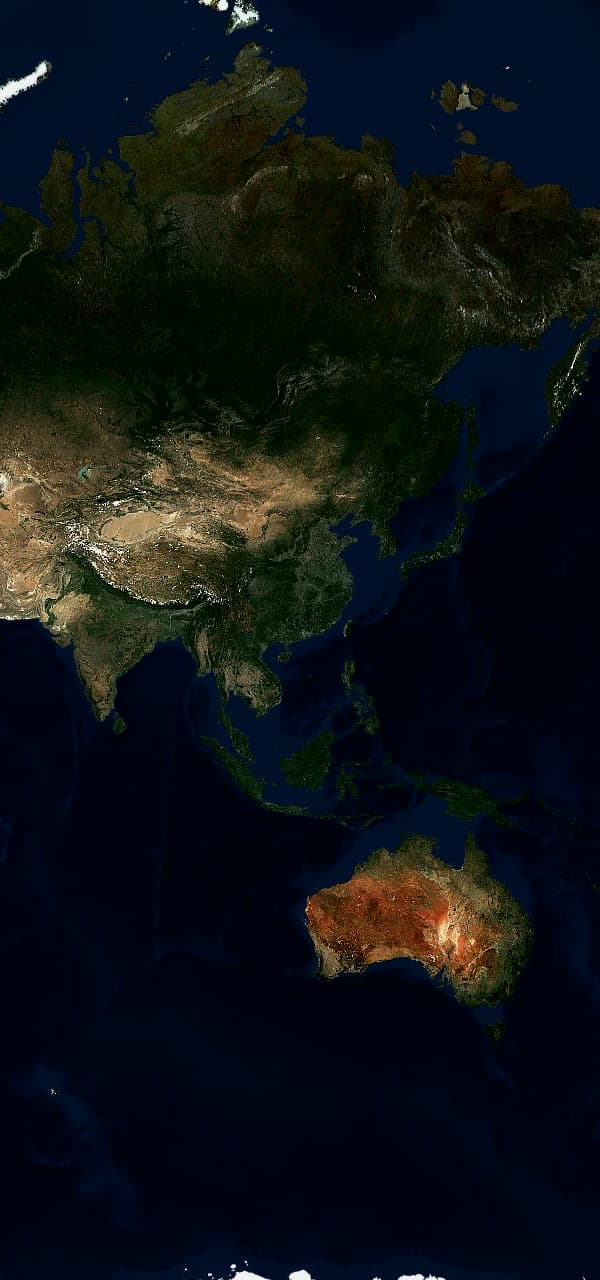
EOxCloudless by EOX · Copernicus Sentinel data 2020
9:41
🌍My world34 countries visited🇯🇵Japan9 of 47 regions visited🇸🇬Singapore8 places visited
My world
34
COUNTRIES
61
REGIONS
19
WISHLIST
Fushimi Inari TaishaKyoto, Japan · saved today
🇮🇸IcelandCountry · 4 places · 2 regions
Plan your trip
Map

Save the place. Everything else follows.

The map is the home screen. Saved places sit on it with routes between them, and a sheet at the bottom keeps your counts and your last few additions within reach.

  • Anything is a place. Country, city, airport, landmark, or the name you typed. Noma stores what you meant.
  • Two layers. Visited and wishlist have their own pins and their own totals, and you switch between them with one tap.
  • Places without coordinates still count. If Noma cannot map it, it stays in the list and in the numbers.
9:41
PERSONAL PASSPORT
Passport
WORLD PROGRESS
34/243
countries or territories visited · 61 regions mapped
13.99%
OF WORLD
ALLTIME<<HARSHA<<MEMBER24AUG26<<@NOMA<<<<
ISSUED24AUG26BLR<<<<<<<<<<NOMA.APP
Countries & territories
Visited 34Wishlist 19
VIEW BY CONTINENT
All continents
Europe
14 visited
14/53
🇮🇸Iceland🇵🇹Portugal🇪🇸Spain🇫🇷France🇮🇹Italy🇨🇭Switzerland🇳🇴Norway🇬🇷Greece🇦🇹Austria🇭🇷Croatia
Asia
11 visited
11/50
🇯🇵Japan🇮🇳India🇸🇬Singapore🇹🇭Thailand🇰🇷South Korea
Passport

A number that only goes up.

Every country and territory in the world is already printed in your passport. Yours are in colour. The ring reports the percentage, and regions inside a country count separately, so going back still counts for something.

  • Grouped by continent. Africa, Asia, Europe, North America, South America and Oceania, each with its own progress.
  • Wishlist has its own book. Places you want are tracked against the countries you have not reached yet.
  • Saving a place colours the country. A restaurant in Lisbon marks Portugal visited. You never maintain two lists.

Ask Noma. Describe the trip in a sentence and Noma proposes days, cities and a pace. Push back on any of it. When the shape is right, one tap writes it into the itinerary.

9:41
Plan with NomaNew trip · step 2 of 7
Japan in November is a good start. How do you want this trip to feel?
TRAVEL PACE2 / 7
Pick the rhythm that sounds right.
BalancedA few anchors with breathing roomRelaxedSlow mornings and room to wanderPackedMake the most of every daySurprise meChoose what fits the destination
BackContinue
Add a detail…

Trips, in order. Upcoming trips carry a countdown. Trips with no dates sit under still planning until you pin them down. Past trips fold into your history and feed the passport.

9:41
TRAVEL PLANS
Trips
PLAN WITH NOMA
Start with a conversation
Share what you know—or let Noma help you choose—and watch a day-by-day trip take shape.
Plan a new trip
Upcoming
13 DAYS
12 – 23 NOV · 11 DAYS
Autumn in Kyoto
Kyoto · Osaka · Naoshima · 14 saved spots
4 – 11 MAR · 7 DAYS
Ring Road, slowly
Reykjavík · Vík · Höfn
Still planning
Somewhere warm in FebruaryPlanning in progressASK NOMA
9:41
12 – 23 NOV · 11 DAYS · 13 DAYS TO GO
Autumn in Kyoto
ItineraryDocuments
YOUR ITINERARY
Day by day
DAY 1
12
NOV
06:15 – 17:25BLR → KIX · NH 842Terminal 2 · Gate 24C · Seat 32AFROM YOUR TICKET
19:00Hotel Kanra KyotoCheck-in · confirmation KNR-88214CONFIRMED
DAY 2
13
NOV
08:30Fushimi Inari TaishaGo before the crowds · 2h
13:00Lunch at Nishiki MarketSaved from your wishlist
Chat with Noma
Added from your boarding passNH 842 · BLR → KIX · 12 Nov, 06:15
Day 1 · 12 NovView source
Documents and itinerary

The itinerary builds itself out of your tickets.

Upload a boarding pass, a hotel confirmation, a train ticket or an activity voucher. Noma reads it, places it on the right day, and shows you what it wants to change before it changes anything.

  • Every field keeps its source. Tap the gate number and you land on the PDF it came from.
  • Low confidence gets flagged. Anything Noma is unsure about is marked for review instead of quietly guessed.
  • Upload the same booking twice. Noma warns you before it makes a second copy of the flight.
  • Delete means delete. Removing a document removes the original file and the fields pulled out of it.

The vault. PDFs and photos from Files, the photo library, or the iOS share sheet. Each one shows its type, its size, its category and where extraction got to. None of them appear in a share.

9:41
12 – 23 NOV · 11 DAYS
Autumn in Kyoto
ItineraryDocuments
Add from FilesPDFs, photos, or the iOS share sheet
SAVED TO THIS TRIP
PDFNH 842 boarding pass184 KB · flightEXTRACTED
PDFHotel Kanra confirmation92 KB · stayEXTRACTED
JPGShinkansen ticket1.2 MB · transportNEEDS REVIEW
PDFTravel insurance340 KB · insurancePROCESSING
Added to day 809:12 Kyoto → Okayama · from your train ticketVIEW SOURCE
Chat with Noma

The next trip, at a glance. Pick a trip and the Home Screen widget turns its departure into a Solari-style countdown. It reads from the trip you selected, so the date stays tied to your itinerary.

And the rest

Small things you notice on day two.

None of these are on the box. All of them are the reason people keep the app.

Search that knows what LIS means.

Type three letters and get the airport, the city, and the country as separate results. Or keep exactly what you typed.

Duplicate checks before you save.

Noma spots a place you already have and asks, rather than adding a second Tokyo.

Photo library import.

Pick photos and Noma reads the location metadata. You review every candidate before it becomes a place.

Country atlas.

Open a country on the map to see its regions, the places you saved there, and cities worth adding.

Trip covers you can change.

Use the house illustration style, a photo from your library, or a picture from Unsplash.

Read-only invites.

Invite someone by email and they see the trip in their own account. Only you can edit it.

Public trip links.

A revocable link that shows the cover, the summary, and the itinerary. Documents and chat never travel with it.

Offline-safe originals.

A failed extraction never blocks the file. The PDF you uploaded opens either way.

Privacy

Nothing here is public.

There is no profile, no follower count, and no feed to appear in. Files are encrypted in transit and at rest, every document is scoped to your account, and sensitive fields are stripped from logs, notifications and share previews.

The Noma app icon

Start with the last place you went.

One entry is enough. Save it and the passport opens, the map fills in, and the count begins. Seven days free on iPhone.